Read the phone backup on your PC: WhatsApp, Messages, photos and more
DRI Backup Buddy opens the iPhone or Android backup that's already on your computer and shows every chat, photo, contact and file, without connecting the phone. Nothing is uploaded anywhere.
One-time payment · use on 2 PCs · Windows 10 and 11 (Mac version coming)
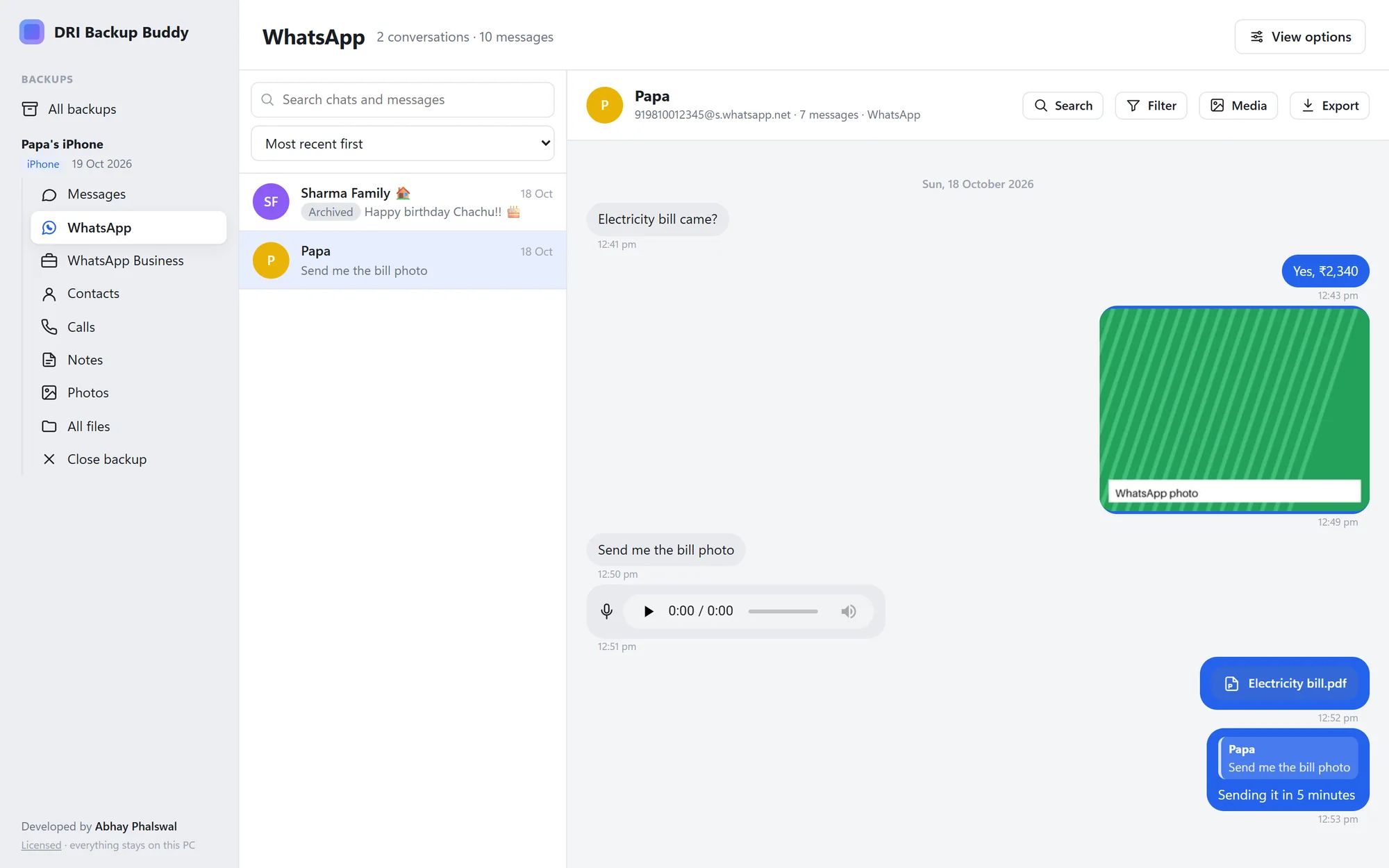
Everything in the backup, readable again
The same screens for iPhone and Android backups. Encrypted iPhone backups open with their password.
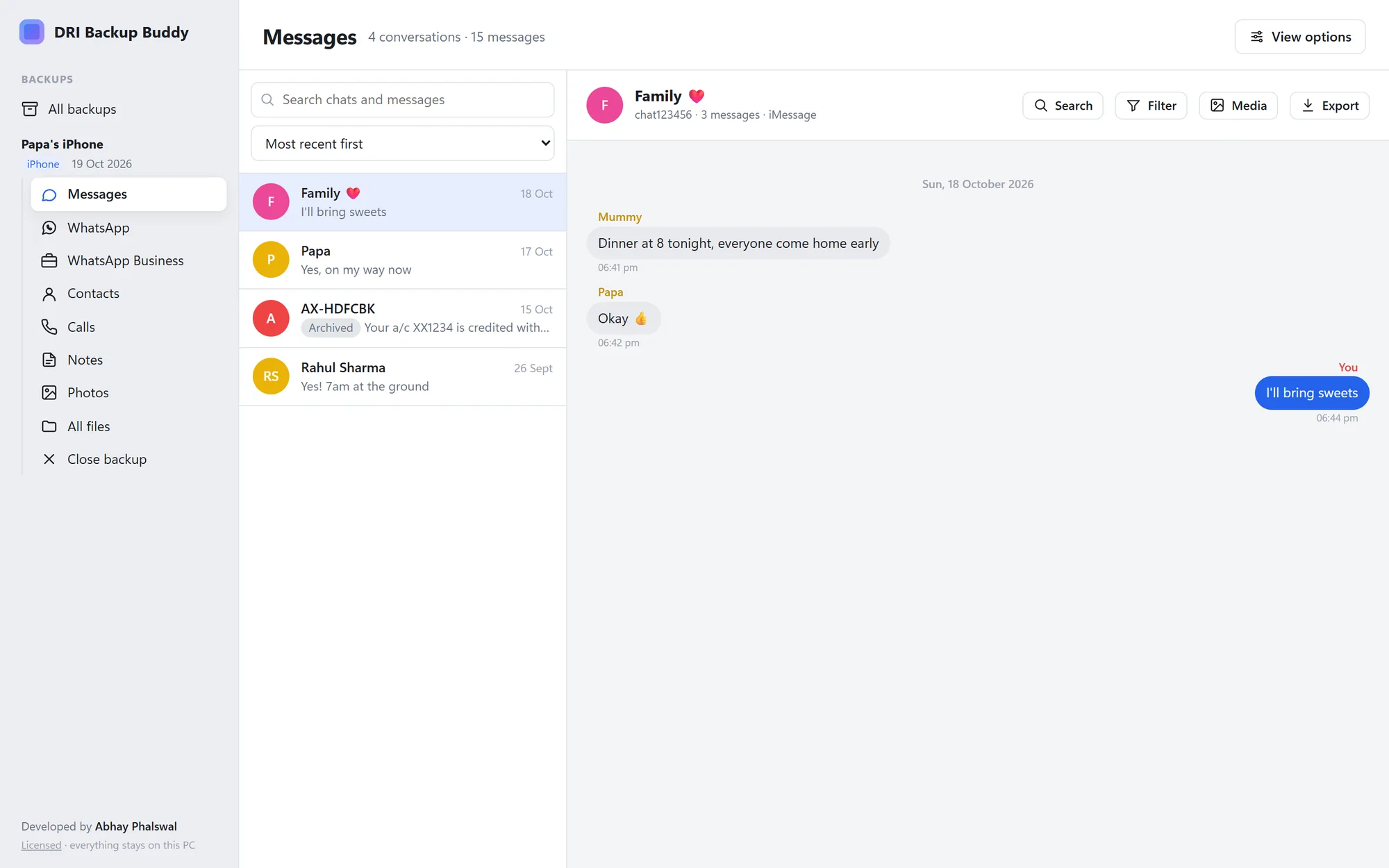
WhatsApp, WhatsApp Business and Messages
Each app in its own section, with contact names, sender names in groups, reactions, and the original message above every reply.
Find anything
Search every chat at once, or inside one chat. Filter by dates, message type, or, in groups, just the people you pick.
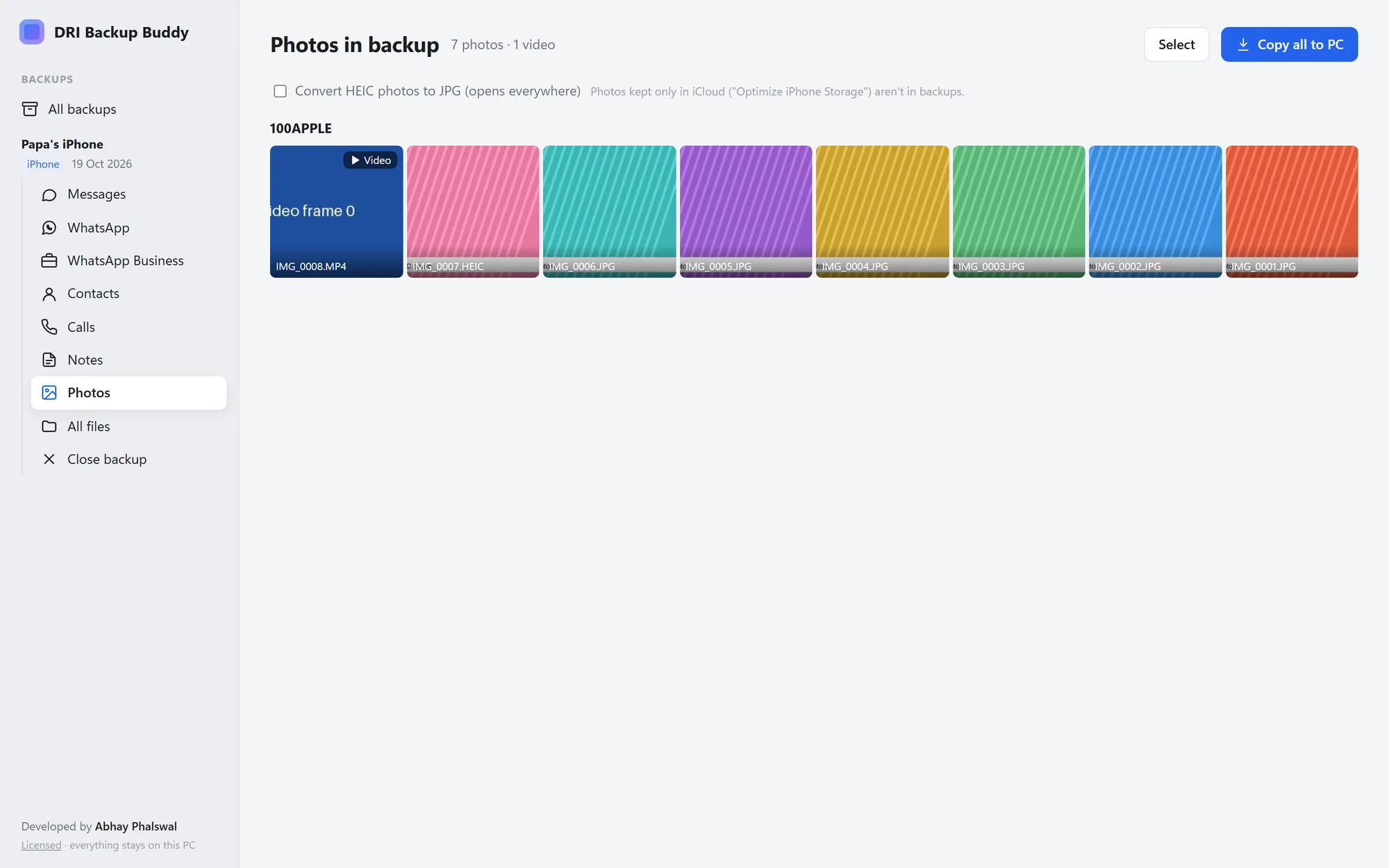
Photos, videos, voice notes and files
Photos (HEIC too), videos, PDFs, Excel and Word files open inside the app. Voice notes play right in the chat.
Share a chat as one file
Export a conversation as a single page anyone can open on a phone or computer, with photos, files and voice notes (as MP3) inside.
Contacts, calls and notes
Browse contacts and export them to vCard or Excel-friendly CSV. Call history with CSV export. Notes, with locked notes kept locked.
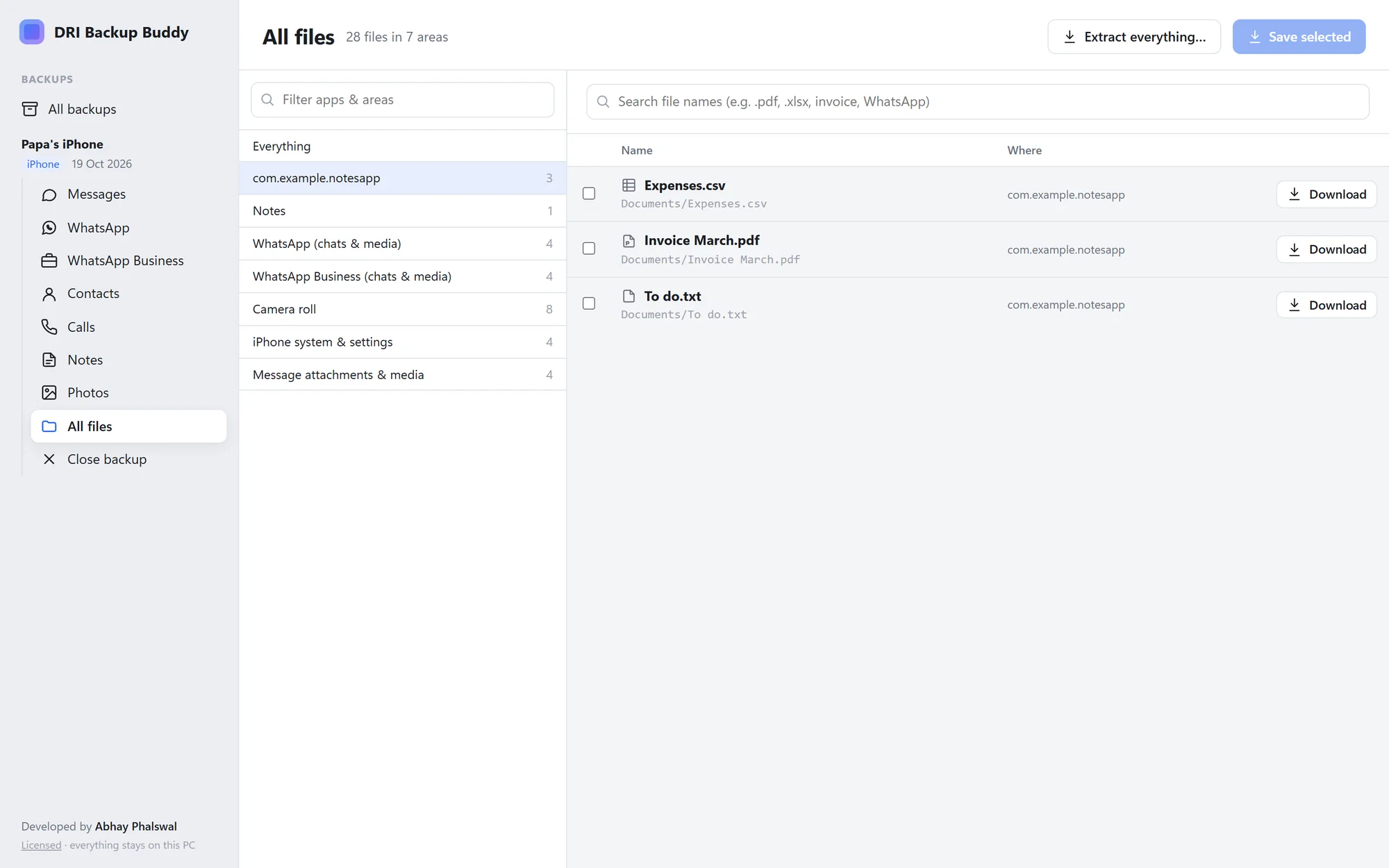
Every file in the backup
Browse and search all files, save the ones you need, or extract the whole backup into normal folders.
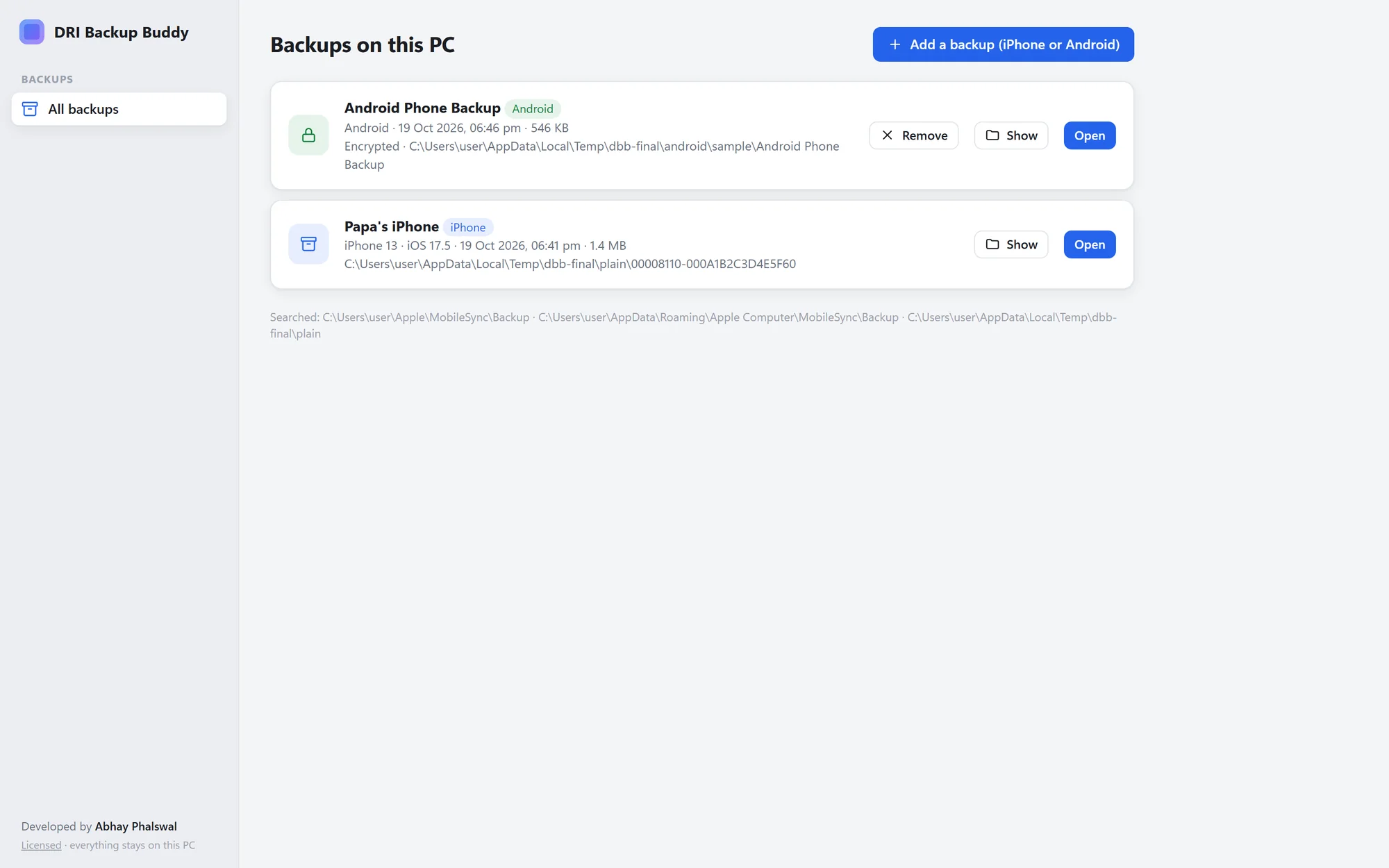
See it in action
Screenshots use made-up sample data.
How it works
No cables, no phone, no cloud account.
Make or find a backup
Back up the iPhone with the Apple Devices app or iTunes as usual, or copy an Android phone's storage to the PC. Backups you already have work too.
Open it in DRI Backup Buddy
iPhone backups in the standard folder appear by themselves. Anything else: click Add a backup and pick the folder.
Read, search, save
Go through chats, photos, contacts and files. Save what you need, or export a chat to share it.
Your chats stay on your computer
DRI Backup Buddy reads backups on your PC and never uploads them. Opening a backup never changes it, and decrypted copies are deleted when you close it. The only things that go online are a daily licence check (the licence key and your computer's name) and a daily check for app updates. Privacy policy
One price, no subscription
Pay once and keep it. Your licence key arrives by email right after checkout.
DRI Backup Buddy licence
- Use it on 2 computers (move it any time)
- iPhone and Android backups, including encrypted iPhone backups
- WhatsApp, WhatsApp Business, Messages, contacts, calls, notes, photos and files
- Shareable chat exports with photos and voice notes
- Everything stays on your PC
- 14-day money-back guarantee
Secure checkout by Dodo Payments, who handle payment and taxes. Windows 10 and 11, 64-bit. Prices in other currencies are shown at checkout.
Questions
Does my phone need to be connected?
No. DRI Backup Buddy reads backups that are already on your PC or an external drive. To make a new iPhone backup, use the Apple Devices app (or iTunes) as usual.
Which backups can it open?
iPhone backups made by iTunes, the Apple Devices app or Finder, and backups from other tools that use the same format. From Android: a copy of the phone's storage, WhatsApp and WhatsApp Business backups (crypt14/crypt15), adb backups (.ab files) and contacts exported as .vcf.
Can it open encrypted iPhone backups?
Yes, with the backup password (the one chosen when "Encrypt local backup" was turned on, not the phone's passcode). Encrypted backups also contain call history, which Apple leaves out of unencrypted ones. A forgotten password can't be recovered by anyone.
What do I need for Android WhatsApp backups?
The 64-digit key from WhatsApp → Settings → Chats → Chat backup → End-to-end encrypted backup, or the phone's encrypted_backup.key file. Backups protected with a password instead of a key can't be opened by any PC app, because the key stays on WhatsApp's servers.
Is anything uploaded?
No. Your backups, chats and photos never leave your computer. Only the licence key and your computer's name are checked online, once a day.
How many computers can I use it on?
Two at a time. Moving to a new PC? Choose Licence → Deactivate on the old one, then activate on the new one.
Does it work on Mac?
Not yet: DRI Backup Buddy runs on Windows 10 and 11. A Mac version is planned.
What if it doesn't work for my backup?
Email us and we'll help. If it still can't open your backup, you get your money back within 14 days of purchase. See the refund policy.
Does it read Samsung Smart Switch backups?
Not yet. Samsung encrypts the messages, contacts and calls in those backups. Photos and normal files in the folder still show.